SaaSFunnels
from your
terminal.
Run setup, check events before they ship and verify your install from the command line. The same checks run in CI, so a broken event never reaches production.
14 days of Traction · No card required
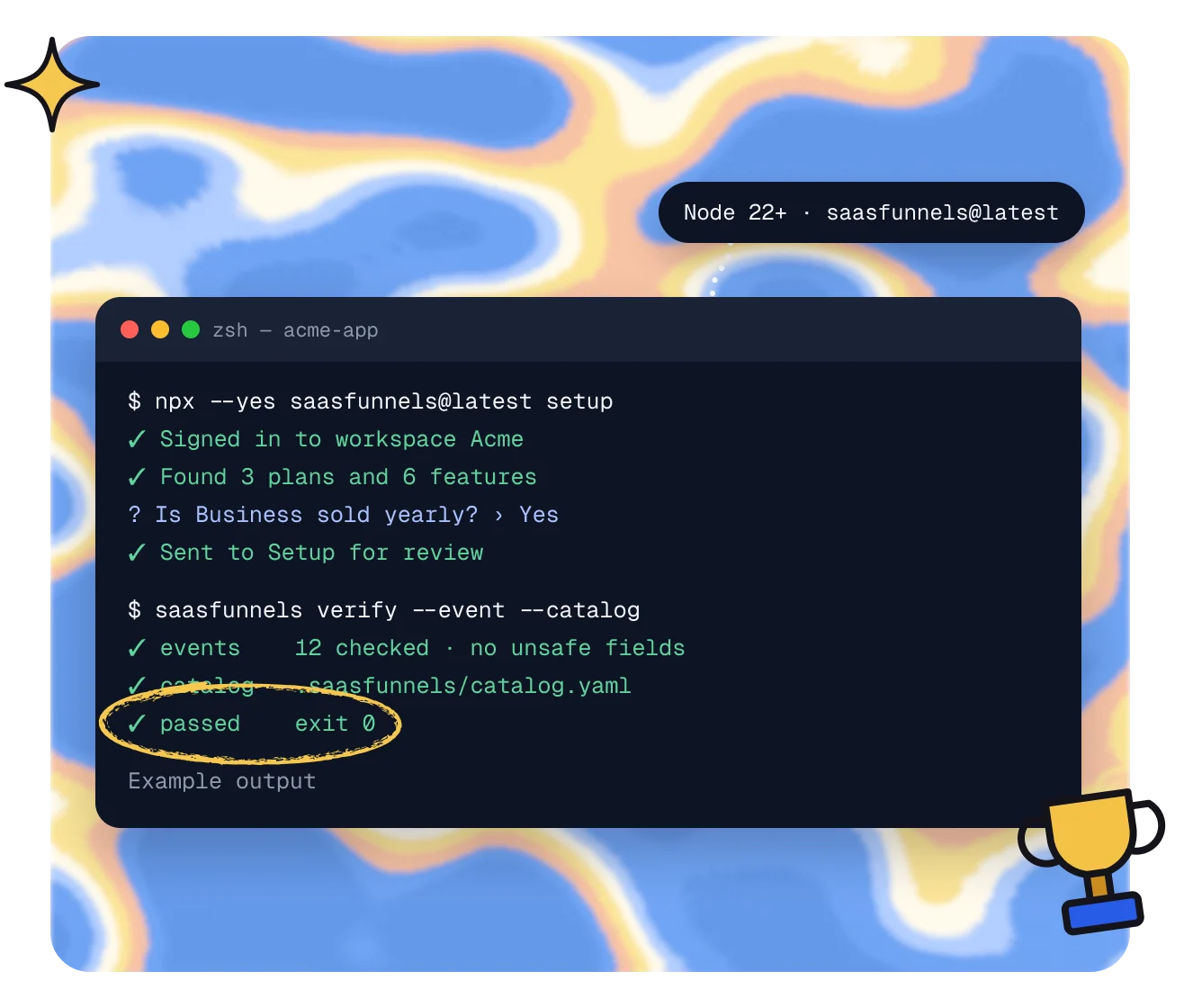
Set up. Check.
Verify.
1 · Setup
Guided setup.
Run setup to find your features and plans and send them to Setup for review.

2 · Check
Check before you ship.
Run events validate and doctor to catch identity, unsafe-field and mapping problems early.

3 · Verify
Verify in CI.
Run verify in CI for exit codes your pipeline can act on, on every pull request.

Commands
Everything setup needs.
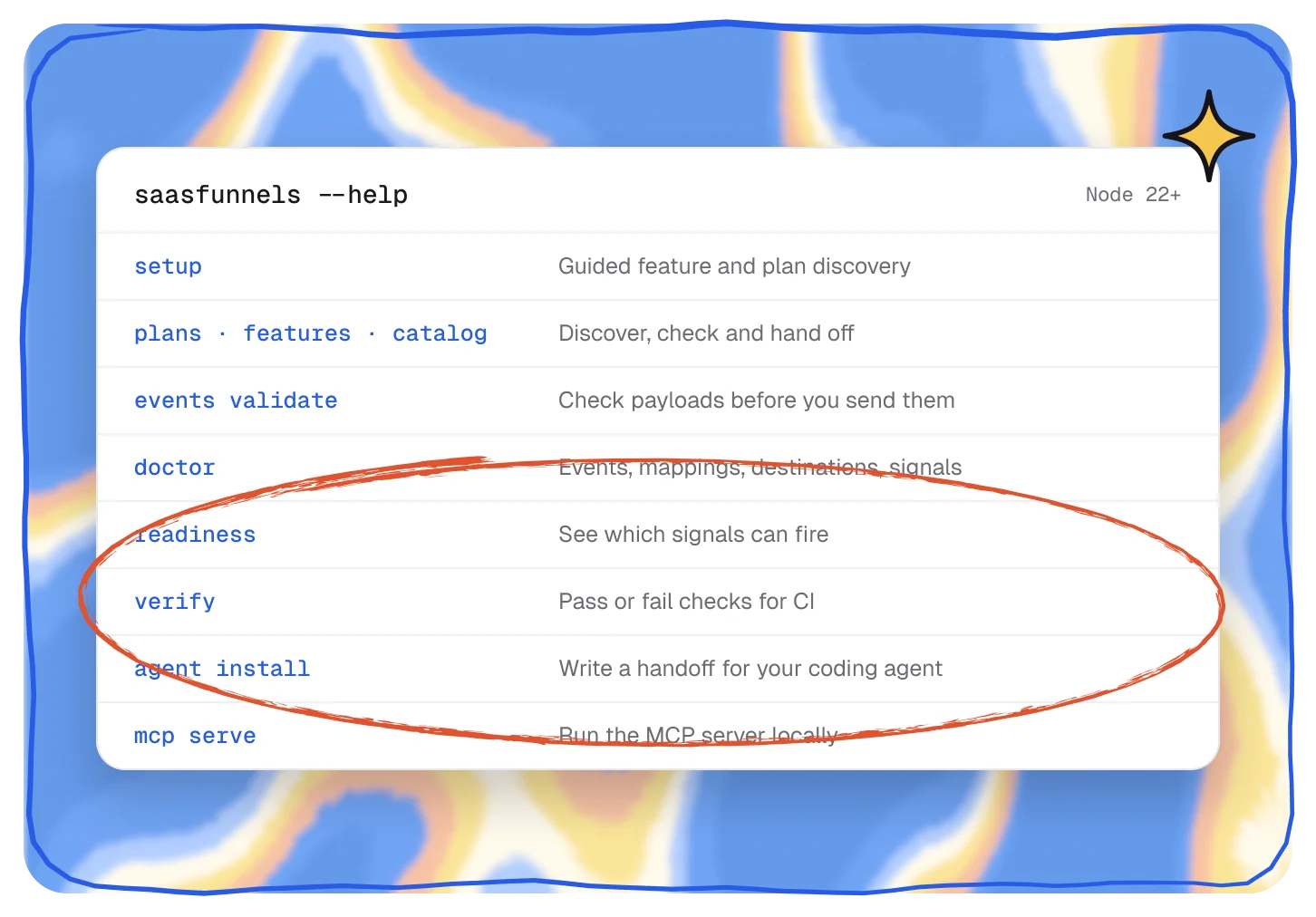
Discover plans and features, validate events and your catalog, hand work to your coding agent and check readiness, all from one CLI.
- Discovery for your plans, features and catalog
- Event checks: validate, sample and send a test
- Handoffs for Codex, Claude Code or Cursor
CI
A check on every pull request.
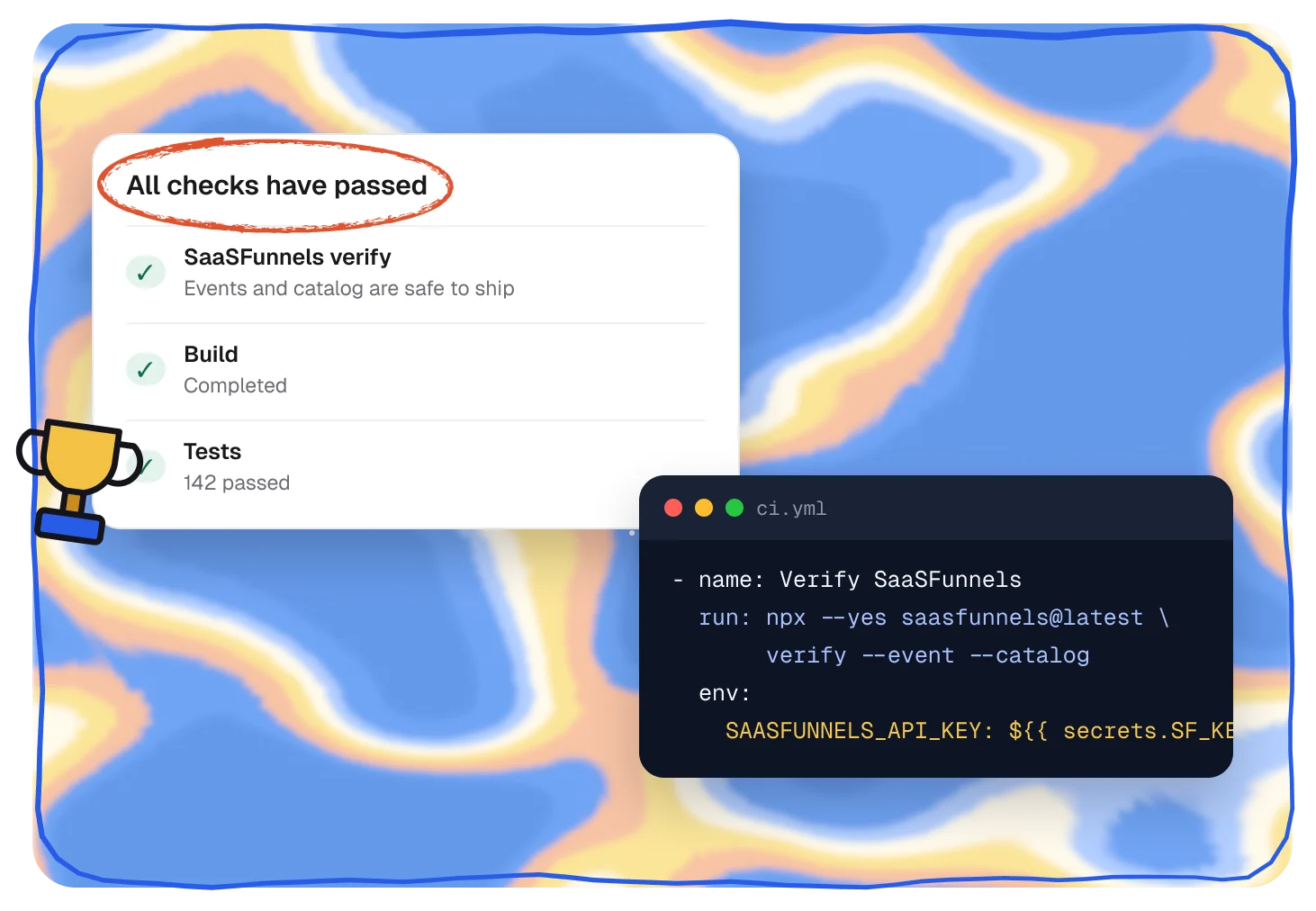
Run verify in CI. Exit codes tell your pipeline whether your events and catalog are safe to ship, before customers ever see a problem.
- Exit codes 0, 1 and 2 for your pipeline
- Ships with a GitHub Action
- Scoped API keys, read-only by default
Run it
npx --yes saasfunnels@latest setupNo install needed
Add it
npm i -D saasfunnels@latestPin it in your repo
Key
SAASFUNNELS_API_KEYUses the developer:read scope
CI
saasfunnels verifyGitHub Action included
Pairs well with.
All featuresSetup
Connect Stripe, install with your coding agent, review drafts.
Get started
See how setup worksMCP server
Let Claude Code, Cursor or Codex read your workspace.
Developers
See the MCP serverSignals and events
Product events become signals for who’s ready.
Spot
See Signals and events
Questions,
answered.
What does the CLI need?
Node 22 or later and an API key from your workspace. Read-only checks use a key with the developer:read scope.
Can I run it in CI?
Yes. saasfunnels verify returns exit codes your pipeline can act on, and the CLI ships with a GitHub Action.
Which API key scopes does it use?
developer:read for checks. Plan and feature discovery also needs features:write, and sending test events needs an ingest key.
Does it change anything in my workspace?
Checks only read. setup sends what it discovers to Setup for you to review, and send-test sends a test event only when you ask it to.
How do I update it?
npx with @latest always runs the newest version. If you pinned it in your repo, update it like any npm package.