No engineering
sprint.
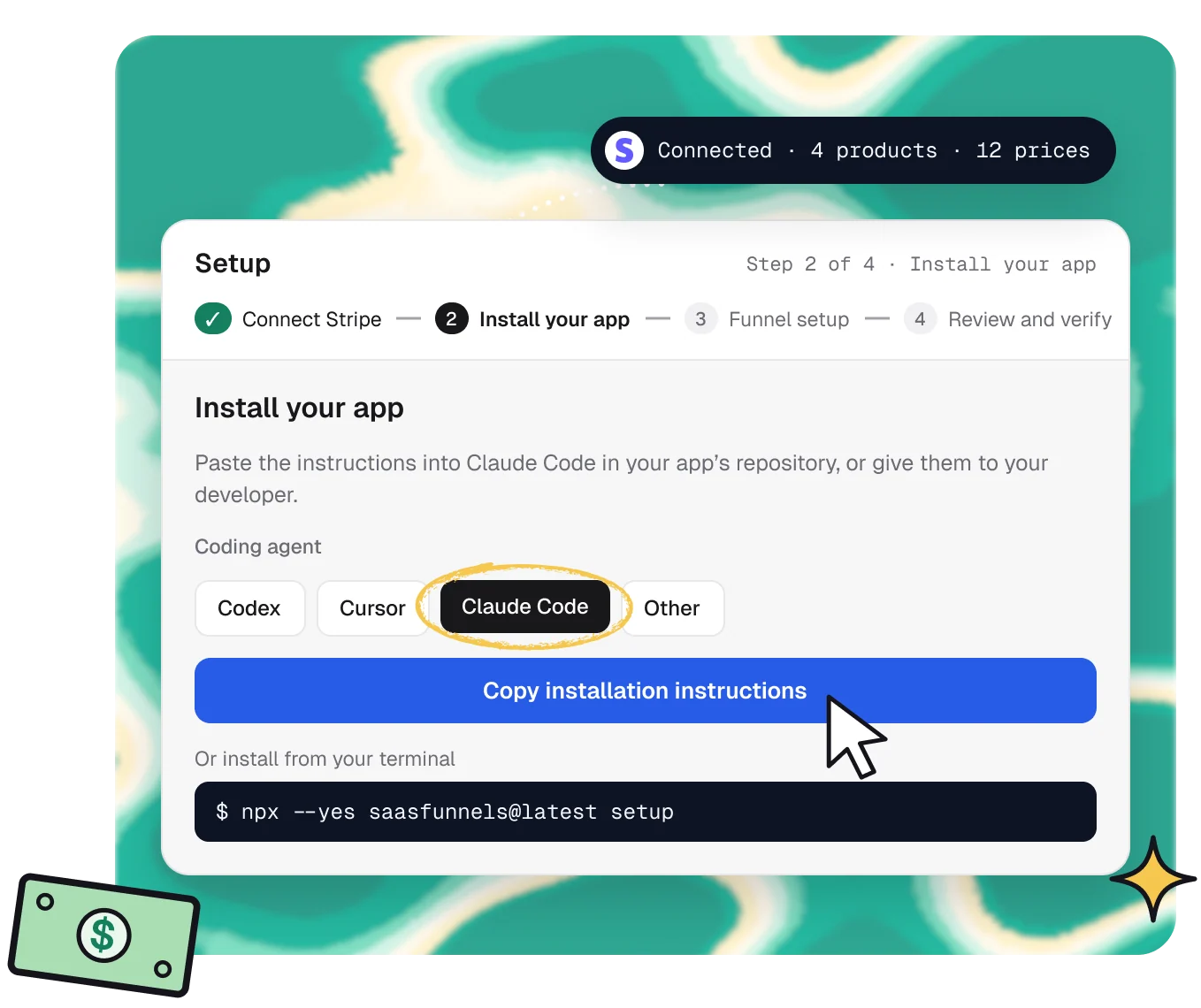
Connect Stripe, paste one set of instructions into your AI coding tool, and review Funnels drafted from your real plans. Setup maps what it can and asks only what it can’t.
14 days of Traction · No card required
Three steps to
your first Funnel.
1 · Connect
Connect Stripe.
Products, prices and subscriptions import. Stripe stays your billing system.
2 · Install
Hand it to your agent.
Copy one set of instructions into Codex, Cursor or Claude Code. It installs, connects payments and deploys.

3 · Review
Review your drafts.
Setup finds your plans and features and drafts Funnels from them. Publish when you’re ready.

Discovery
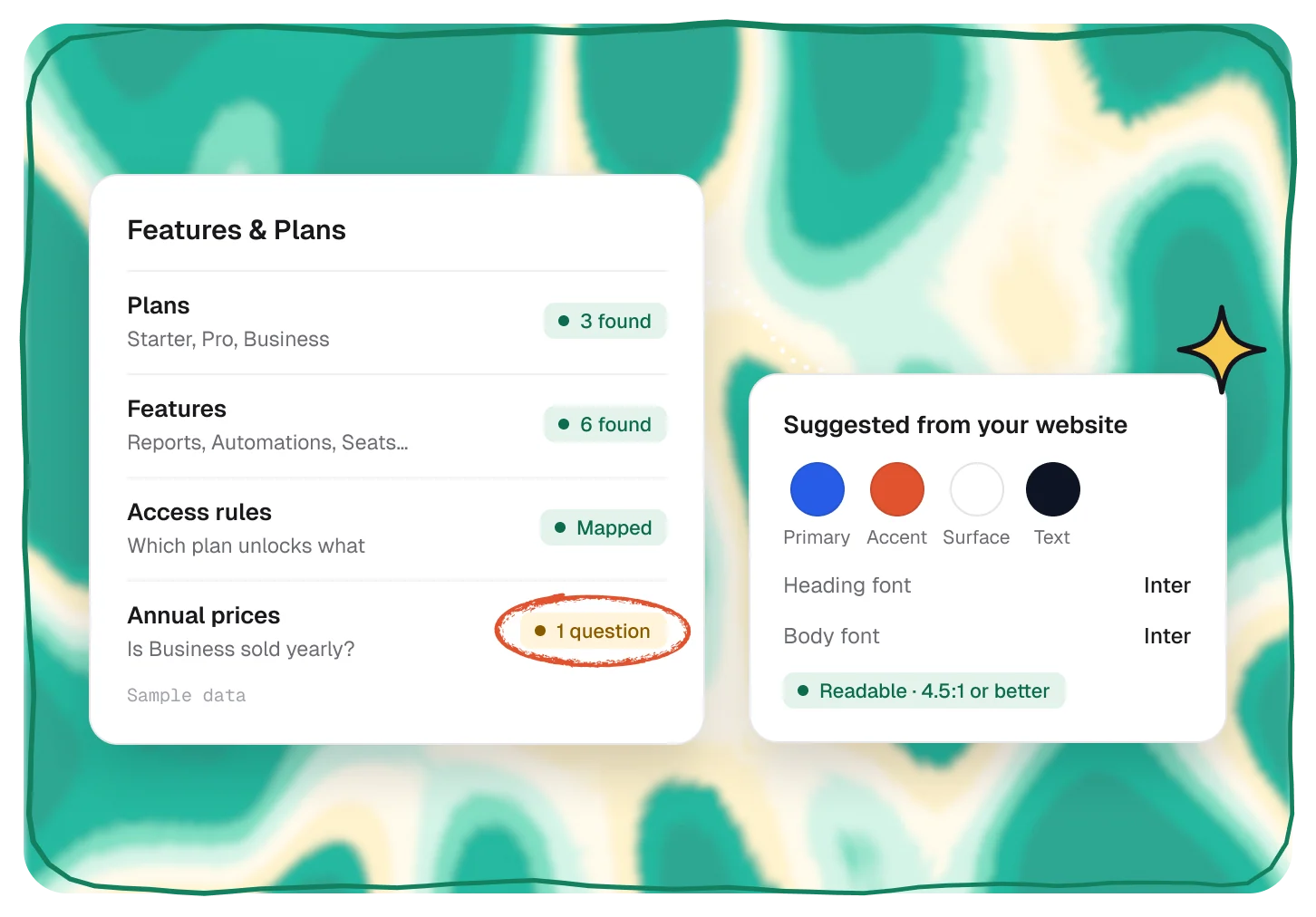
It maps what it can.
Setup reads your Stripe catalog and your app’s plans and features, then asks only about what it can’t work out on its own.
- Plans, prices and features found for you
- Questions only where something is unclear
- Brand colors and fonts suggested from your website
Funnel drafts
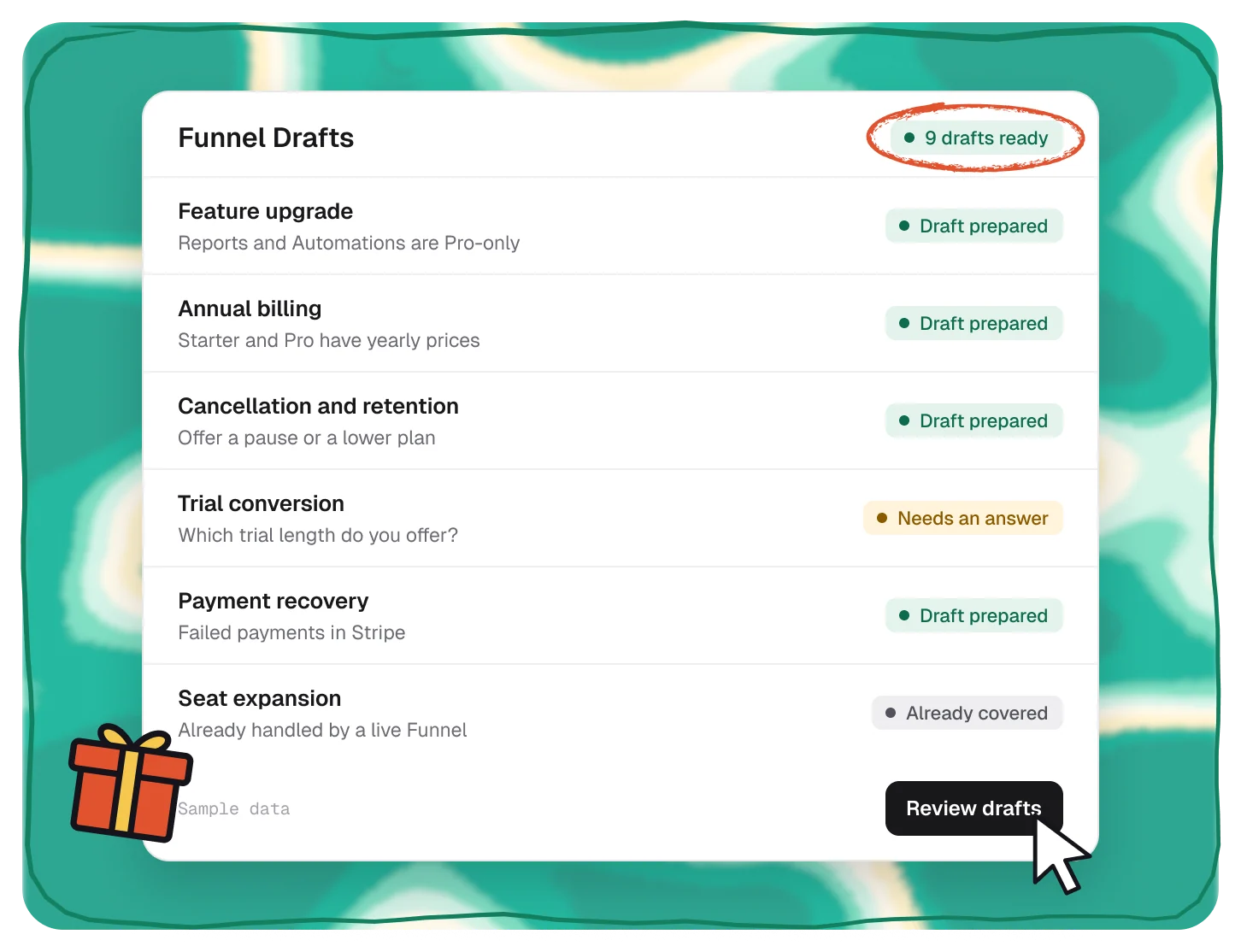
Funnels drafted from your setup.
Setup finds the opportunities that fit your app, like upgrades, trial conversions and cancellation saves, and prepares drafts you can edit and publish.
- 11 kinds of drafts, from feature upgrades to payment recovery
- Built from your real Stripe plans and prices
- Nothing goes live until you publish
What you need
Bring Stripe and your app.
No new billing system and no engineering sprint.
Read the setup guide →Stripe
Billing stays in Stripe
Connect with Stripe
Your app
Any web app with sign-in
Install and deploy
A coding agent
Codex, Cursor or Claude Code
Copy the instructions
Or a developer
Same instructions, any editor
Hand it off
Pairs well with.
All featuresCLI
Set up, validate and verify from your terminal.
Developers
See the CLIMCP server
Let Claude Code, Cursor or Codex read your workspace.
Developers
See the MCP serverTemplates
25 Funnels drafted from your real plans.
Act
Browse templates
Questions,
answered.
Do I need an engineer?
Not for most apps. Your AI coding tool follows the instructions inside your repository. If you’d rather, give the same instructions to your developer.
Which coding tools work?
Codex, Cursor and Claude Code, or any tool that can follow written instructions. Your developer can use the same instructions too.
Does Stripe stay my billing system?
Yes. SaaSFunnels reads your products, prices and subscriptions and applies accepted offers in Stripe. Nothing moves away from it.
What does setup add to my app?
The SaaSFunnels script, a link between signed-in users and their accounts, and the payment connection, then a deploy.
Can I run setup from the terminal?
Yes. npx --yes saasfunnels@latest setup runs the guided discovery and sends what it finds to Setup for you to review.